
Adaptive Bitrate Streaming and Video Transcoding
Learn how multiple video renditions help playback adapt to changing connections.
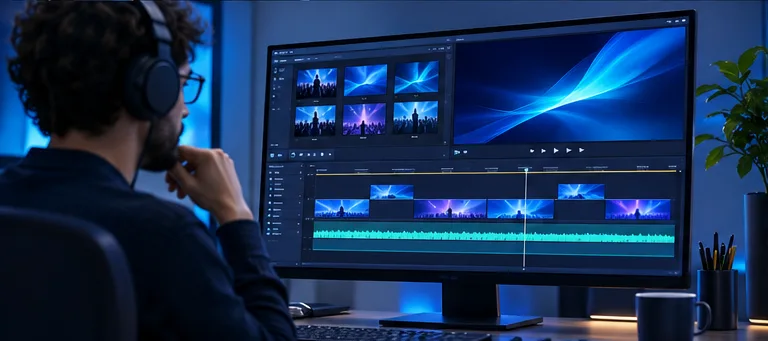
Create a set of renditions
Transcoding converts a source into versions at different resolutions and bitrates. A player can select among those versions as network and device conditions change. This process depends on properly aligned segments and a manifest describing available streams.
How a player chooses a stream
A transcoder produces several versions of the same source. Each version is divided into segments, and a manifest tells the player what versions are available. The player estimates current conditions and switches between renditions as needed.
The change should be as unobtrusive as possible. Aligned segment boundaries, compatible encoding settings, and player testing all contribute to reliable switching. A source with poor audio or video quality will carry those problems into every output.
Build a ladder around actual viewing
A ladder is the set of resolutions and bitrates offered to viewers. Begin with the quality and frame rate of the source, then consider screen sizes, likely connection speeds, and the amount of motion in the content. A sports feed and a static lecture may need different encoding decisions.
Do not assume the highest bitrate is always the best choice. Additional renditions use encoding and storage resources, and each should serve a meaningful audience or network condition.
Validate the result
Review a sample containing fast movement, dark scenes, text, and difficult transitions. Confirm that captions and audio remain synchronized after switching, and test initial playback on slower connections. Include live and replay paths if both are part of the service.
After release, look at startup time, rebuffering, playback failures, and the renditions viewers actually receive. Use those observations to tune the ladder and player settings together rather than changing a single number in isolation.
Related articles

Live Streaming Latency Explained
Understand where delay occurs and when a low-latency workflow matters.
Read articleFrom Live Event to Replay
Plan capture, delivery, recording, and on-demand publishing as one workflow.
Read article
Enterprise Video Streaming for Training and Communications
Plan secure, accessible video experiences for employees and distributed teams.
Read article